
Trip planning
Next adventures. All in one place.
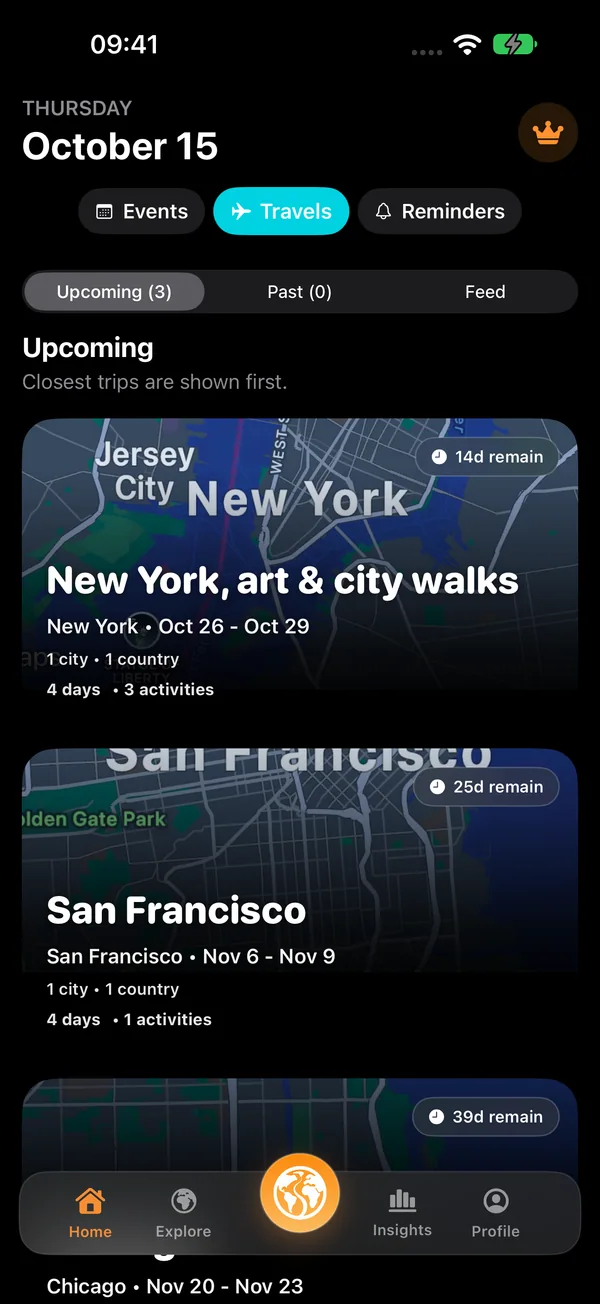
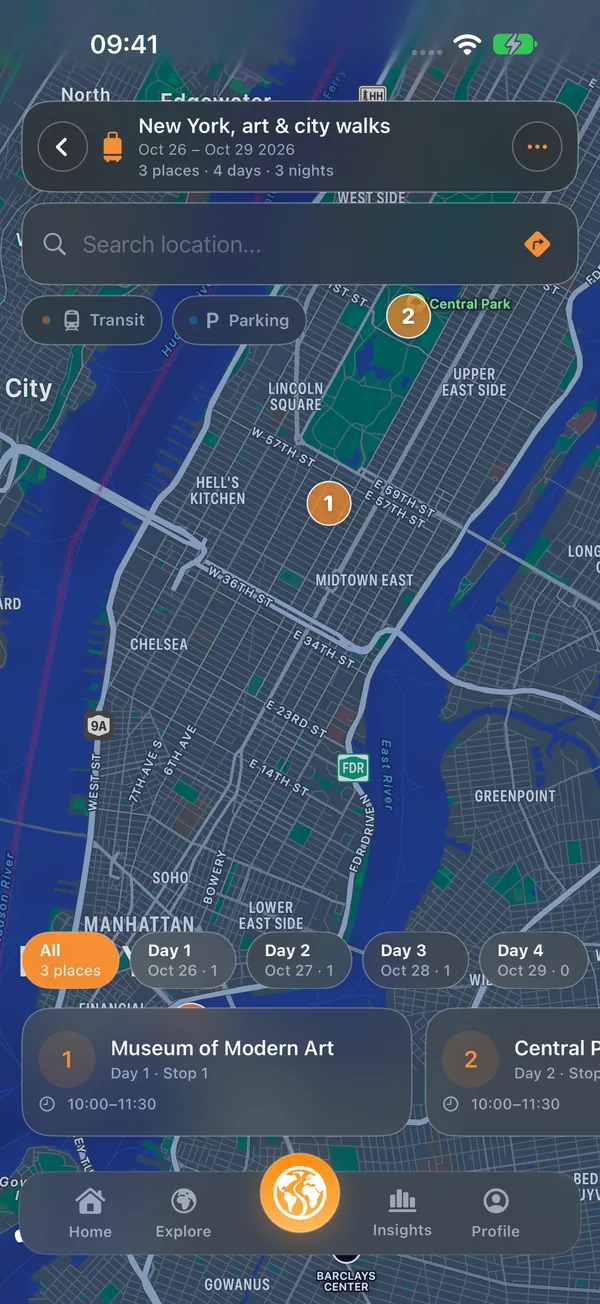
Plan each day on the map. Organize daily stops and routes, and keep your travel plan together in one view.
Get Bilig on the App StoreFree download with in-app purchases. Availability, pricing and usage limits are shown in the app and App Store.
Choose your stops and dates, then review the plan on the map. Example itineraries are inspiration, not reservations.
Trip planning
From an idea to your own plan
- 01
Next adventures. All in one place.
Give your trip a destination and dates, with a place for each day.
- 02
Every day. Your own way.
Add the places you want to visit and arrange their order.
- 03
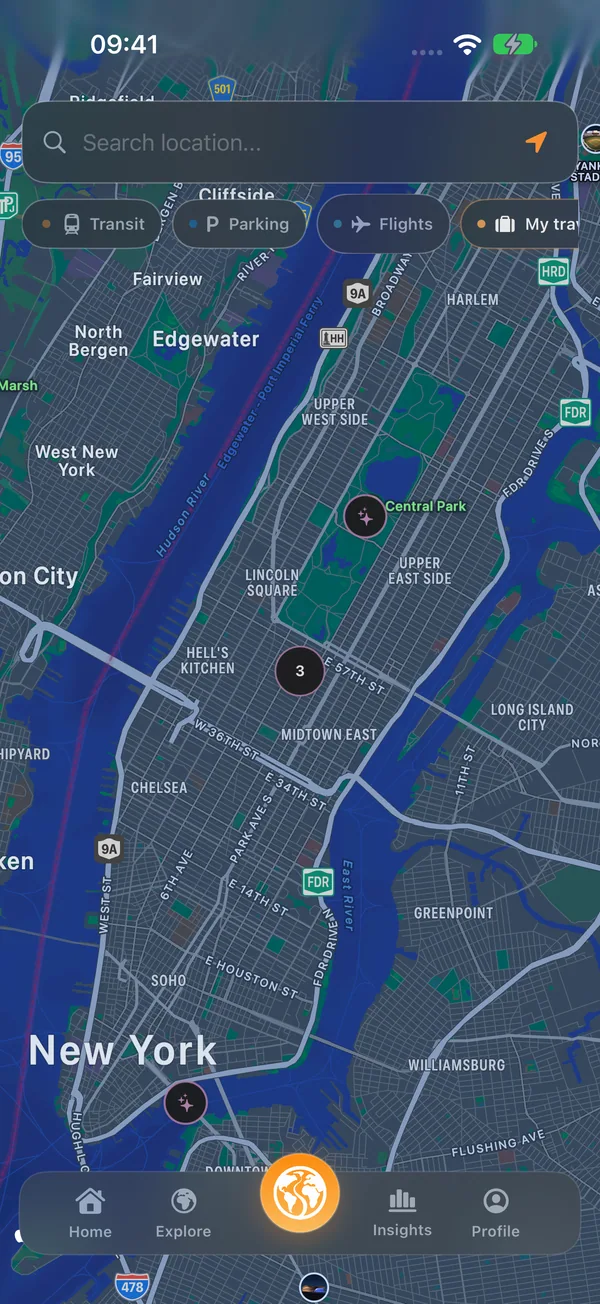
Your places. Your travel map.
Return to the map to see the whole journey together.
A look inside
Trip planning
Before you go
A few useful answers
How can I try this?
Download Bilig for iPhone from the App Store. The app explains current availability, Premium features and usage limits before you continue.
Are these real app screens?
Yes. These captures use isolated example trips and places. Development previews and English-interface examples are labelled beside the image.
Choose your stops and dates, then review the plan on the map. Example itineraries are inspiration, not reservations.
Keep exploring
AI trip planning
Choose a destination, dates and interests for an AI route. Review the suggested places before adding them to your trip.
Take a closer lookParking on the map
Explore mapped parking facilities and the details available for them. Coverage varies by area; live vacancy is not provided.
Take a closer lookRoutes between your stops
Connect the places in your itinerary. Review walking, driving and supported transport options while keeping your daily plan in view.
Take a closer look